Midjourney is a powerful text-to-image AI tool that can be used to create stunning and unique images. However, creating high-quality prompts can be challenging. This is where Bard comes in. Bard is a large language model from Google AI that can be used to generate creative text prompts.
To use Bard to generate Midjourney prompts, simply type in your desired prompt and click “Generate.” Bard will then generate a list of prompts that are tailored to your request. You can then select the prompt that you like best and use it in Midjourney.
Here are a few tips for using Bard to generate Midjourney prompts:
- Be as specific as possible in your prompt. The more specific you are, the better the results will be.
- Use keywords and phrases that are relevant to the image you want to create.
- Don’t be afraid to experiment with different prompts. The more you experiment, the better you’ll get at generating high-quality prompts.
Here are some examples of Midjourney prompts that were generated by Bard:
- A photorealistic painting of a cat sitting in a tree.
- A surreal landscape with floating mountains and glowing trees.
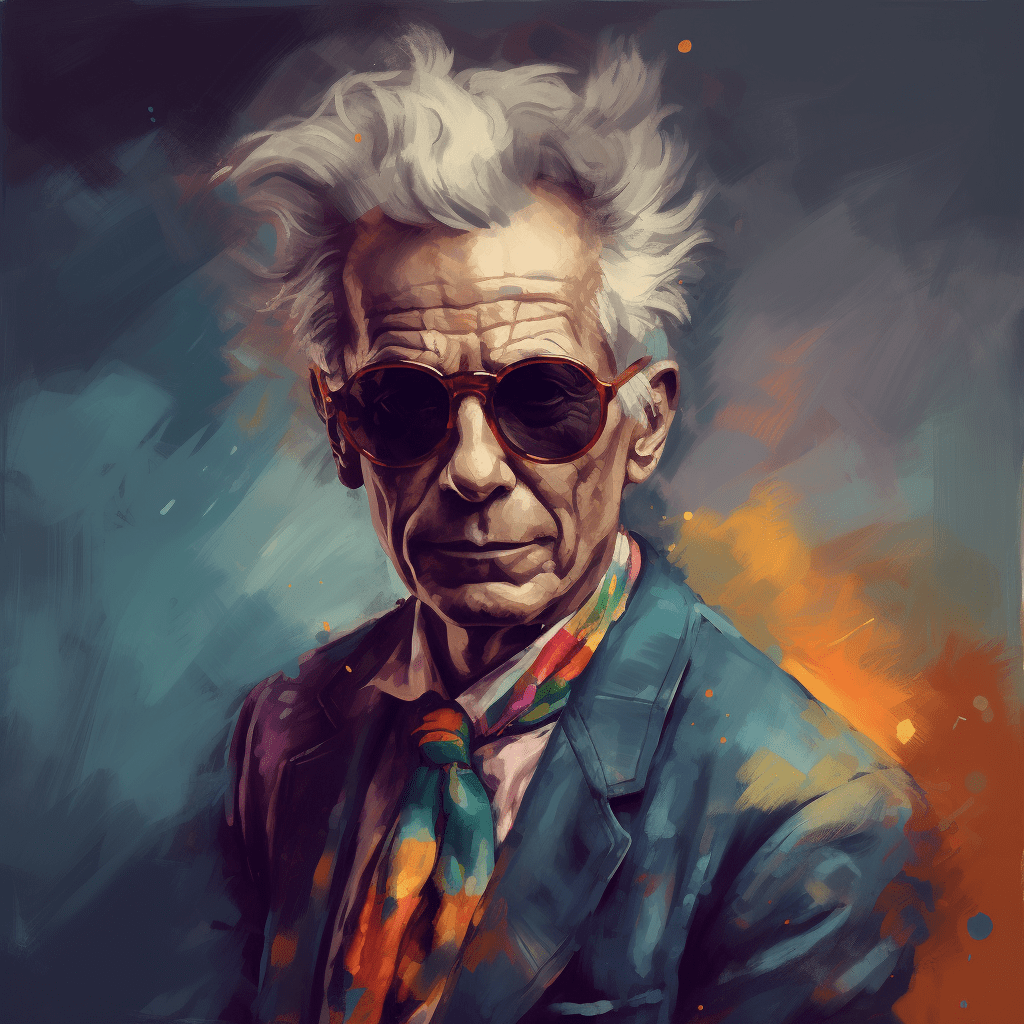
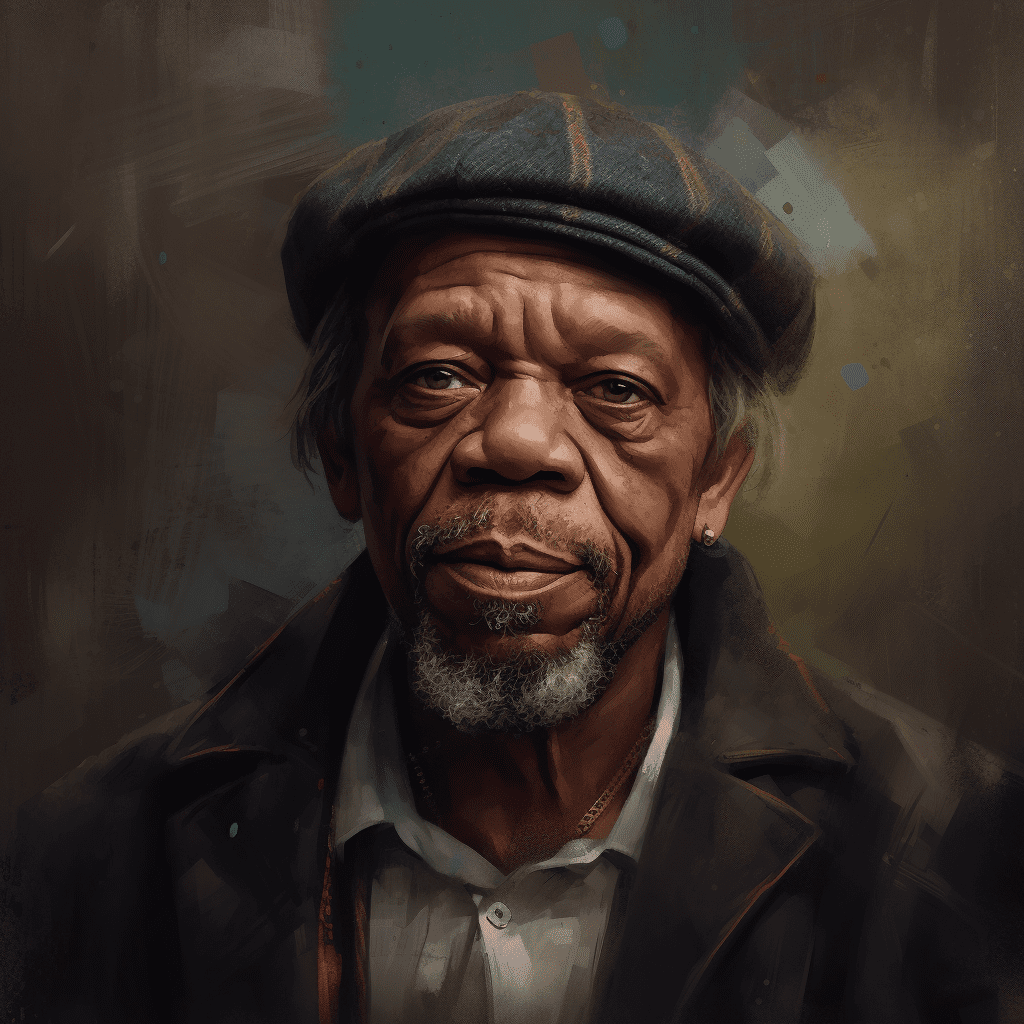
- A portrait of a famous person in a new and unexpected style.
- A detailed map of a fictional world.
- A series of abstract paintings that tell a story.
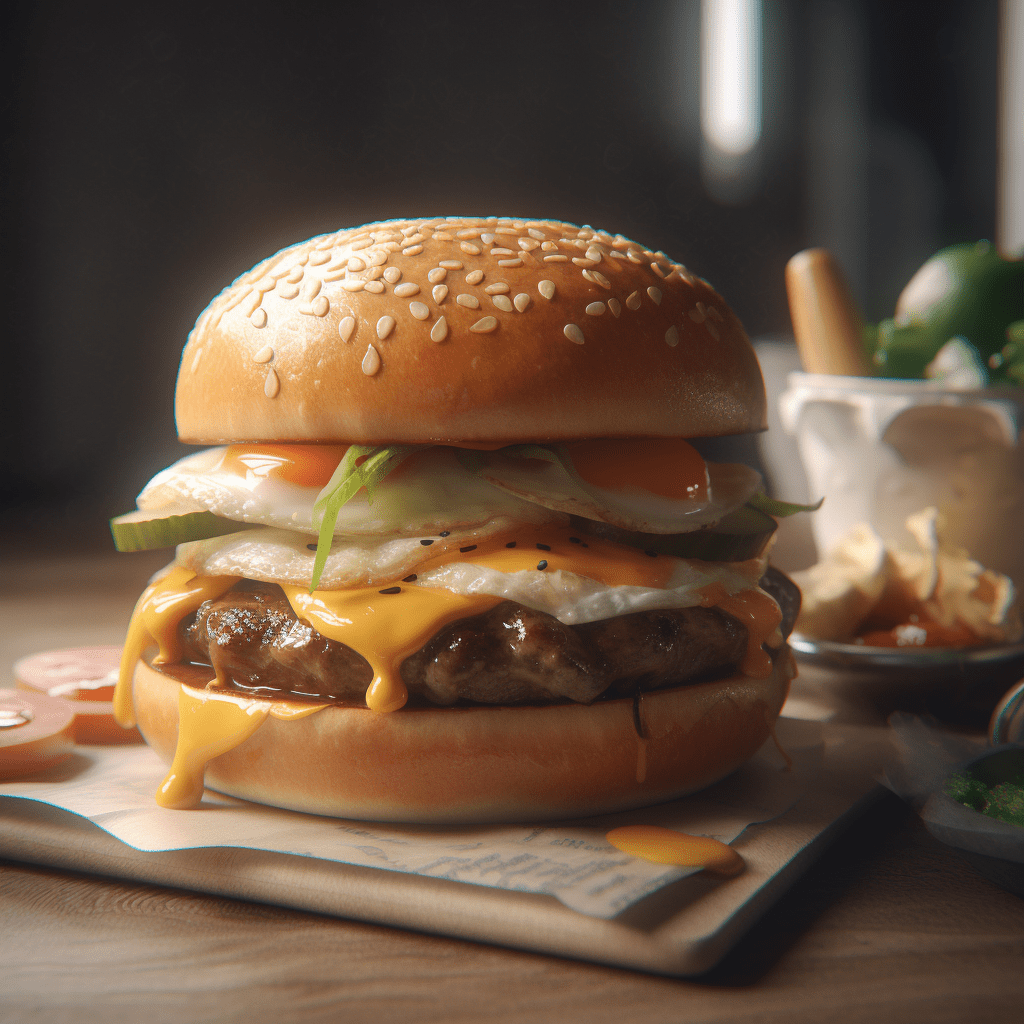
- A photorealistic image of a food item that looks too good to eat.
- A 3D render of a complex object.
- A series of images that explore the concept of time.
- A photorealistic image of a scene from a movie or TV show.
- A series of images that explore the concept of beauty.
These are just a few examples of the many amazing things that you can create with Midjourney. Experiment with different prompts and see what you can come up with!
If you’re looking for more inspiration, you can check out the gallery section of my website. Here you’ll find a collection of images that were created using Bard and Midjourney.
I hope this blog post has given you some tips on how to use Bard to generate Midjourney prompts. Experiment with different prompts and see what you can come up with!